
How to Create a Login.gov Account
1. Go to the website or agency page you want to access.
When you click Sign in, you’ll be redirected automatically to Login.gov.
2. Select “Create an account”.
On the Login.gov sign‑in page, choose Create an account.
3. Enter your email address.
Use any email you prefer (Login.gov recommends a personal email).
Choose your language preference.
Click Submit.
4. Confirm your email
Login.gov sends you a message with a confirmation link.
Click the link, then click Confirm email address.
5. Create your password
You’ll be prompted to create a strong password that meets security requirements.
6. Set up two‑factor authentication (required)
You must choose at least one authentication method, such as:
Text message
Phone call
Authentication app
Security key
Backup codes
Smart card
You’ll then enter the code sent to your device to complete setup.
Related Posts
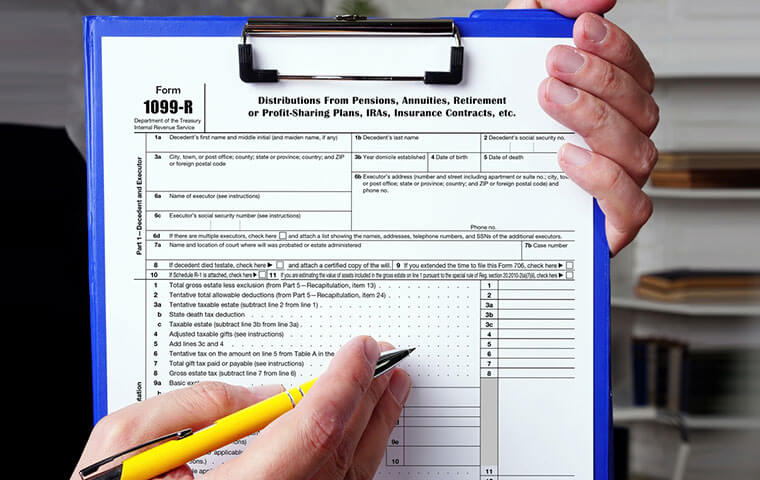
The 1099-Rs are in the Mail!
OPM has said that it is mailing out the balance of the paper 2025 1099-R forms that federal retirees want or need to file their taxes, following complaints by many retirees and prodding from several members of Congress.
How to Get Your 1099-R
If you are missing a form 1099-R from either your CSRS/FERS annuity from the Office of Personnel Management (OPM), or your Thrift Savings Plan (TSP) account, this provides instructions from these agencies to get them.

More Information on the NARFE Referendum
There is a website available to get all the information on the NARFE Referendum. Voting begins on Monday, January 26.